Reminders, calendar & notes for Windows PC and Android

Up to 10 devices, in syncMade by Total Tech

Features

Everything that makes sure you don’t forget.

Reminders, to-dos, a calendar and notes in one app, synced between your Windows PC and your Android phone.

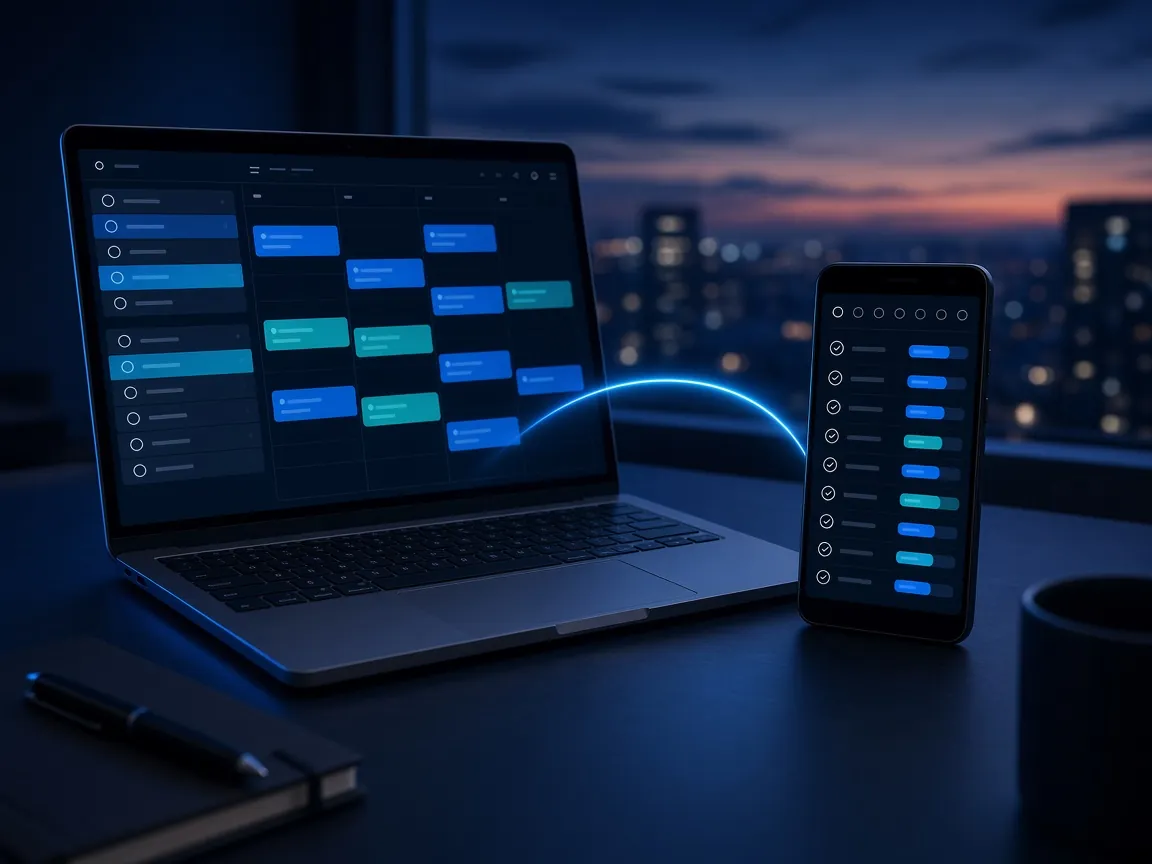
A laptop and an Android phone side by side showing the same calendar and reminder list, linked by a glowing arc

Synced

Reminders, to-dos and a calendar, in one place.

Everything you need to remember lives together, and stays in sync between your PC and your phone, so you can pick up wherever you are.

  • Reminders and to-dos
  • A calendar alongside them
  • Synced between PC and phone
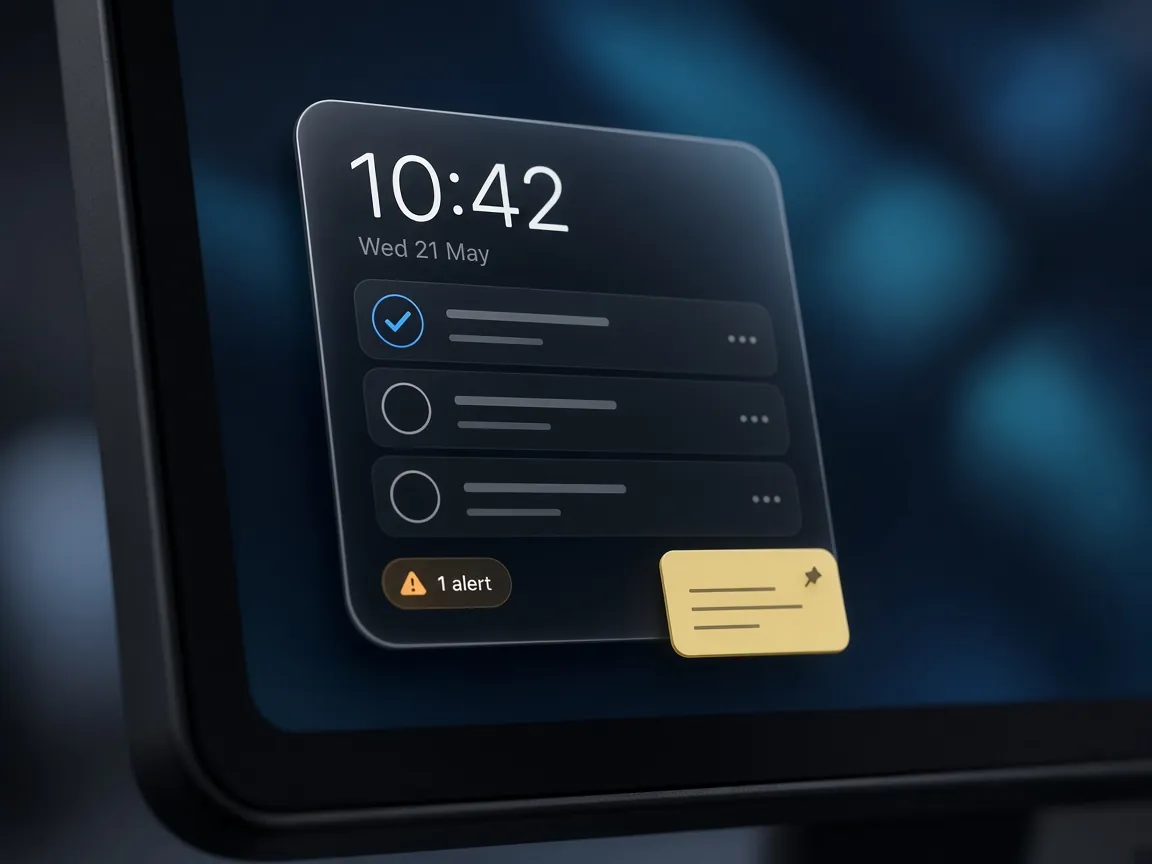
A desktop widget with the time, tasks, an alert and a pinned note

Desktop widget

A widget that keeps your day in view.

The desktop widget sits on your PC showing the time, what’s due, what’s coming up and any alerts, so you can tick things off without opening the app.

  • The time and what’s due
  • What’s coming up and any alerts
  • Tick things off from the widget
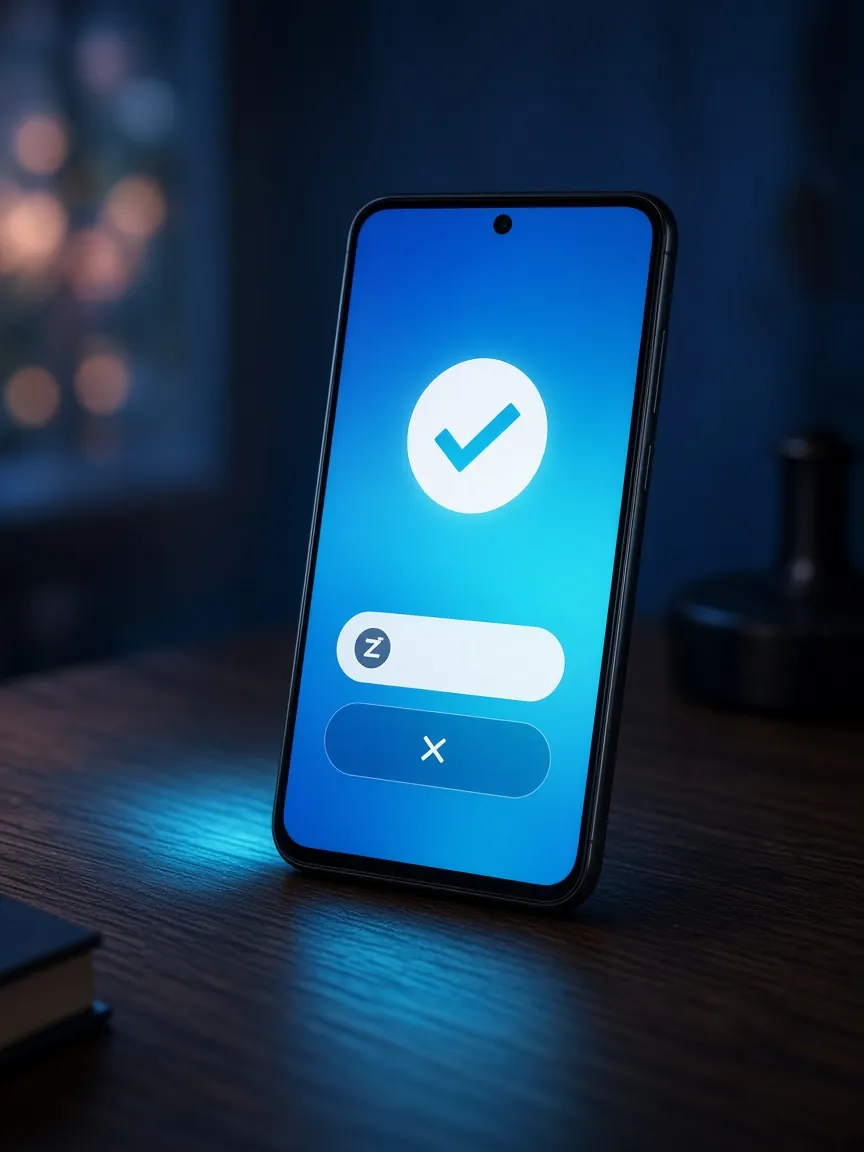
A phone showing a full-screen alert with snooze and dismiss buttons

Alerts you can’t miss

From a gentle chime to a full-screen alarm.

Choose how strong each alert is. At the top end, a full-screen alarm keeps going until you answer it. Snooze moves it to exactly the time you pick.

  • Pick a strength for each alert
  • Full-screen alarm that keeps going until you answer
  • Snooze to exactly the time you pick
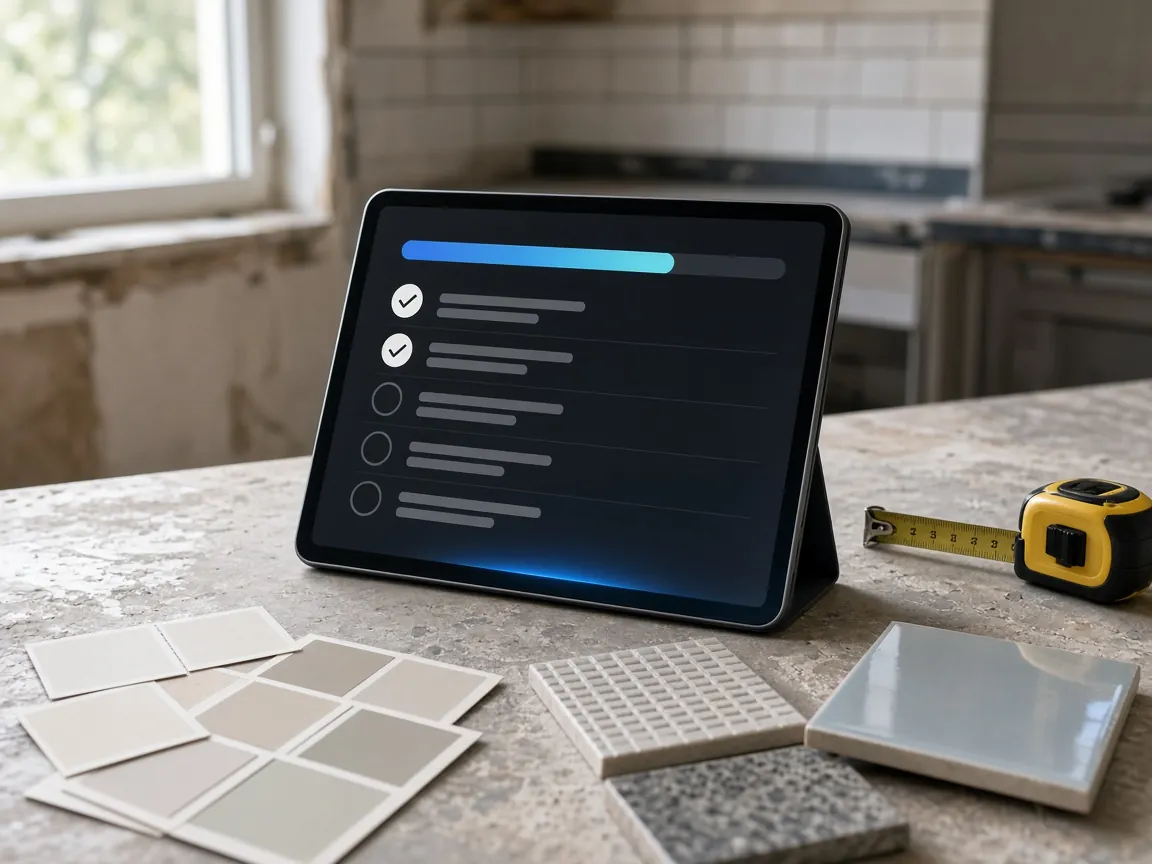
A tablet on a kitchen bench mid-renovation showing a project checklist with a progress bar

Projects

Bigger jobs, step by step.

Projects are bigger jobs with steps, like a kitchen renovation. They stay at the top of your day, on the widget and in your phone’s notifications until you mark them complete.

  • Break a job into steps
  • Stays at the top of your day
  • On the widget and in phone notifications until complete
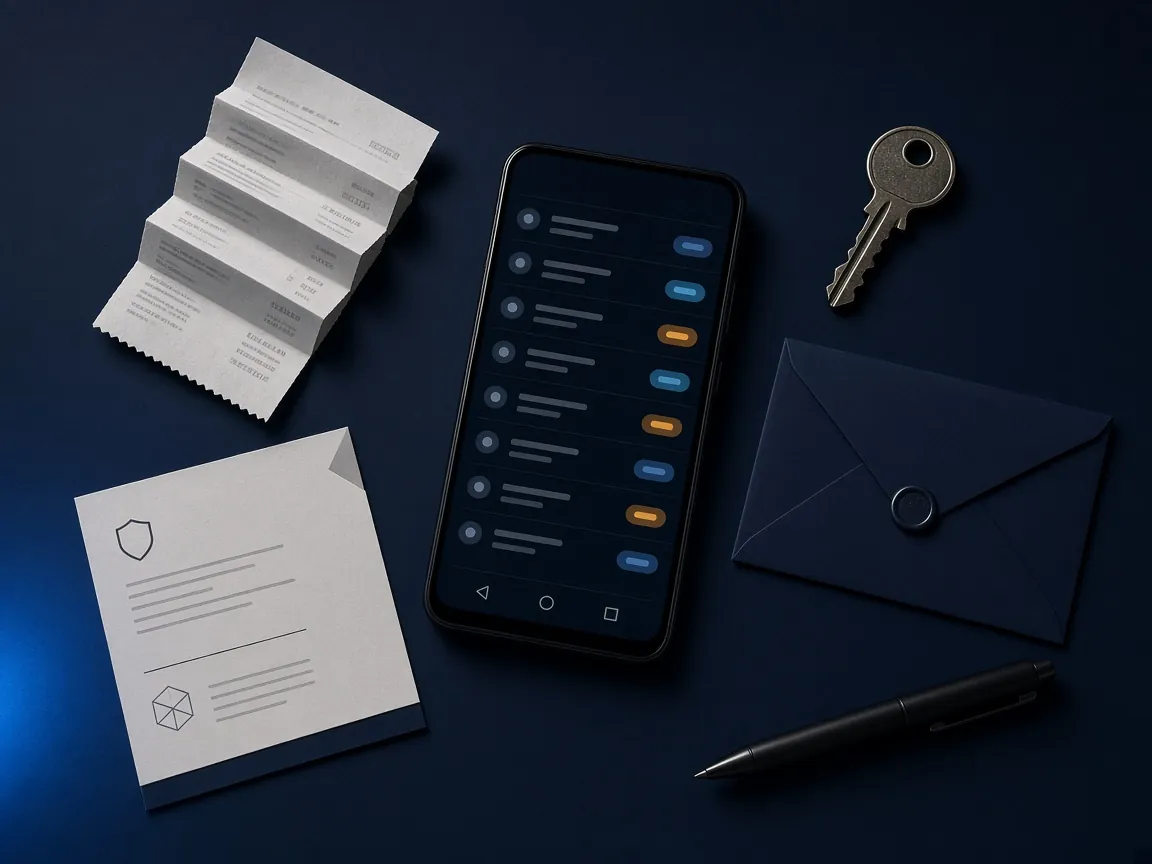
A phone listing upcoming items with due-date tags beside a receipt, a warranty card, a key and an envelope

Warranties, bills & renewals

The things you forget until it’s too late.

Warranties, bills, renewals and follow-ups are tracked for you, with a heads-up before they’re due.

  • Warranties and renewals
  • Bills and follow-ups
  • A heads-up before they’re due
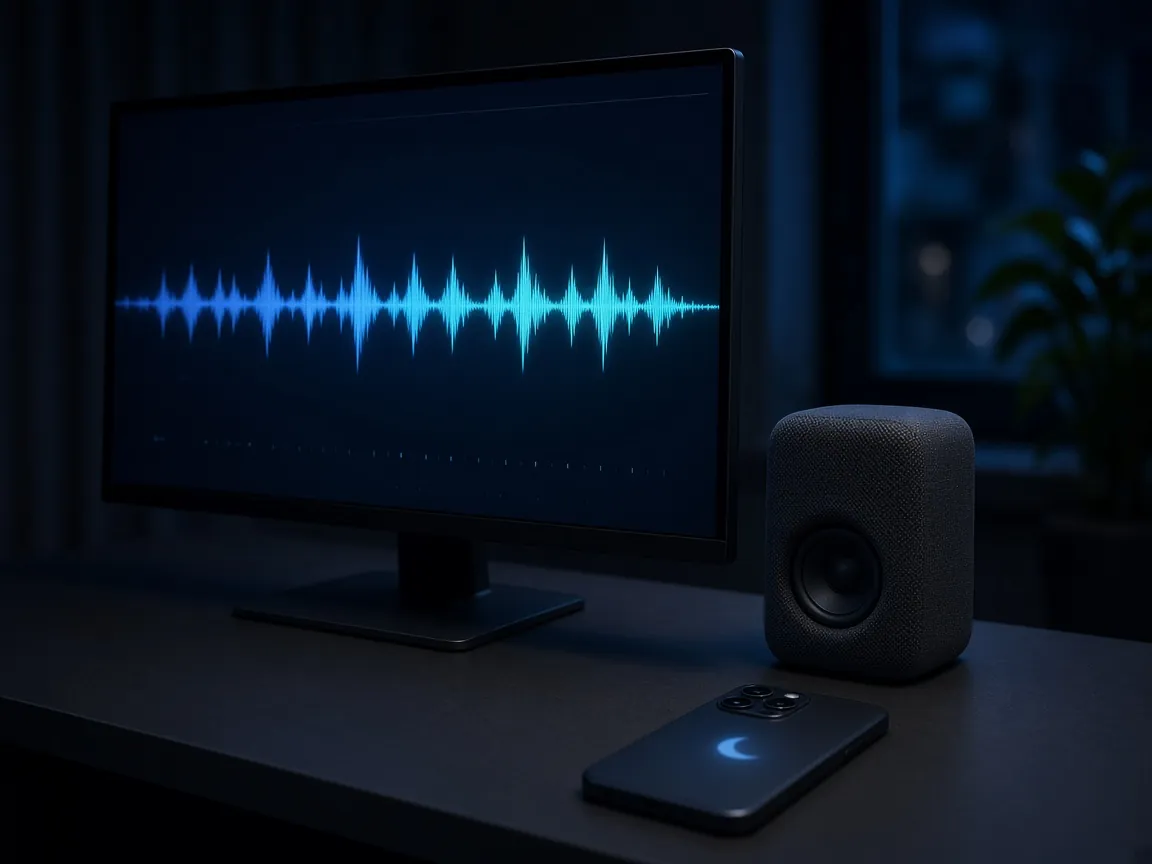
A PC with a speaker and a glowing voice waveform on screen, with a silent phone on the desk

Read aloud

Your day, read to you.

A natural voice can read your day, your alerts, new emails and your phone’s notifications. It runs on your own device, and you choose what’s read and where. For example, you can have it talk on your PC but keep your phone quiet.

  • Your day, alerts, new emails and notifications
  • Runs on your own device
  • You choose what’s read, and where
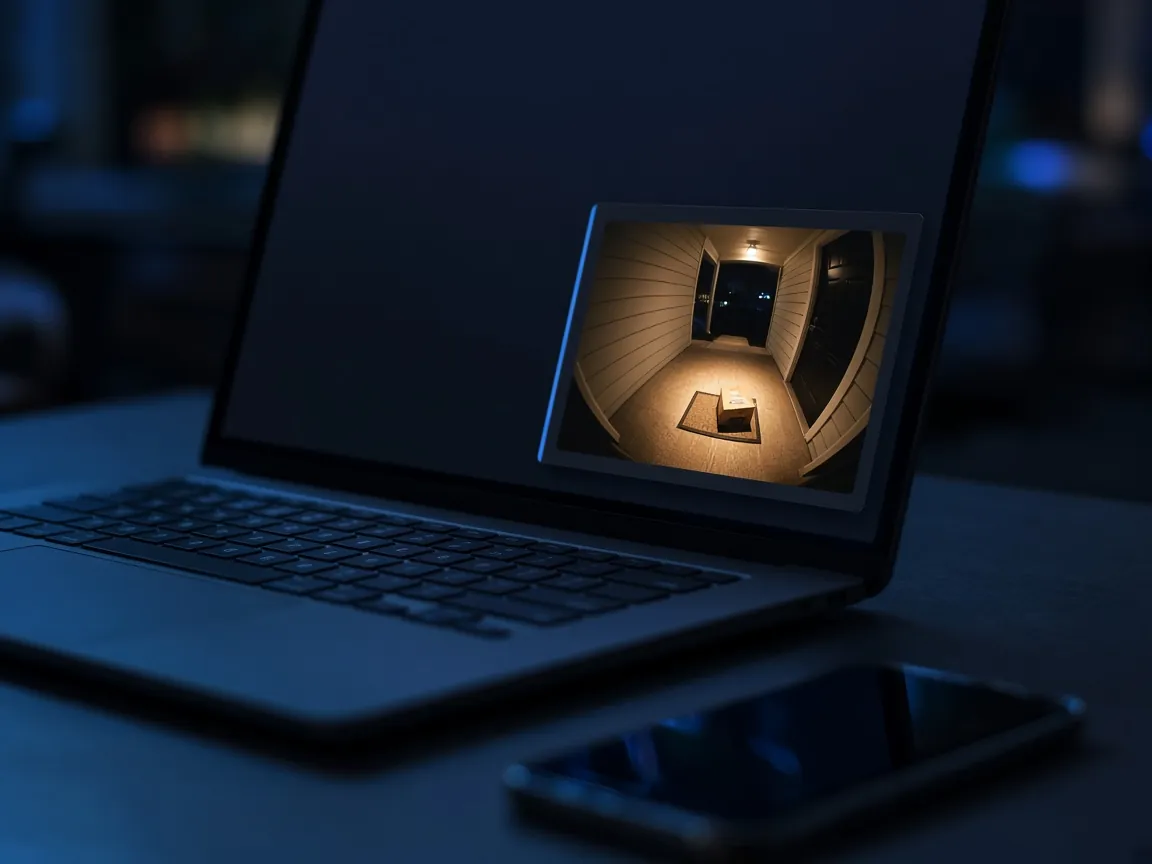
A laptop showing a doorbell camera snapshot notification of a parcel on a porch

Your phone on your PC

Your phone’s notifications, on your computer.

See your phone’s notifications on your computer, including camera snapshots from doorbells and security cameras, and control one device from the other.

  • Phone notifications on your PC
  • Doorbell and security camera snapshots
  • Control one device from the other
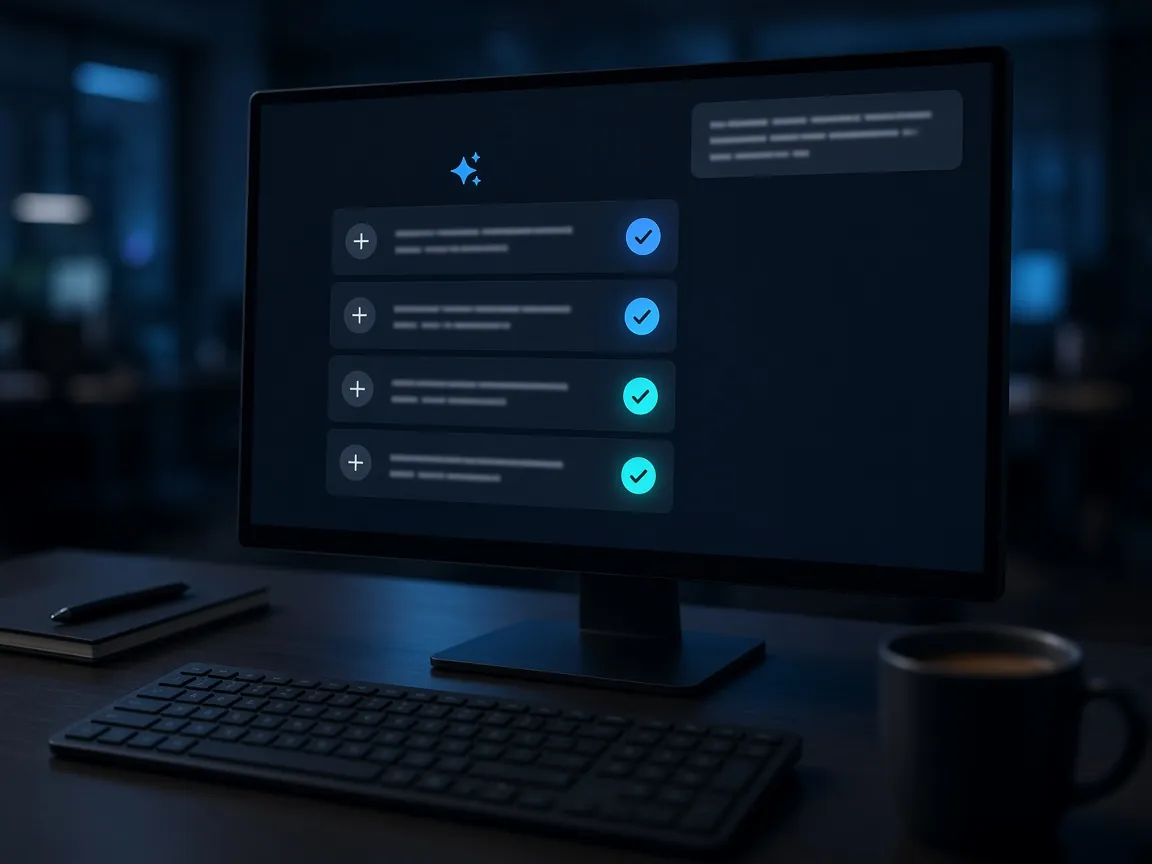
A monitor showing a planning assistant with suggestion cards ready to add

Buddy AI

Ask Buddy AI to plan it.

Ask it to plan things and it suggests reminders, projects with their steps, and notes, ready to add with one tap.

  • Suggested reminders
  • Projects with their steps
  • Notes, ready to add with one tap
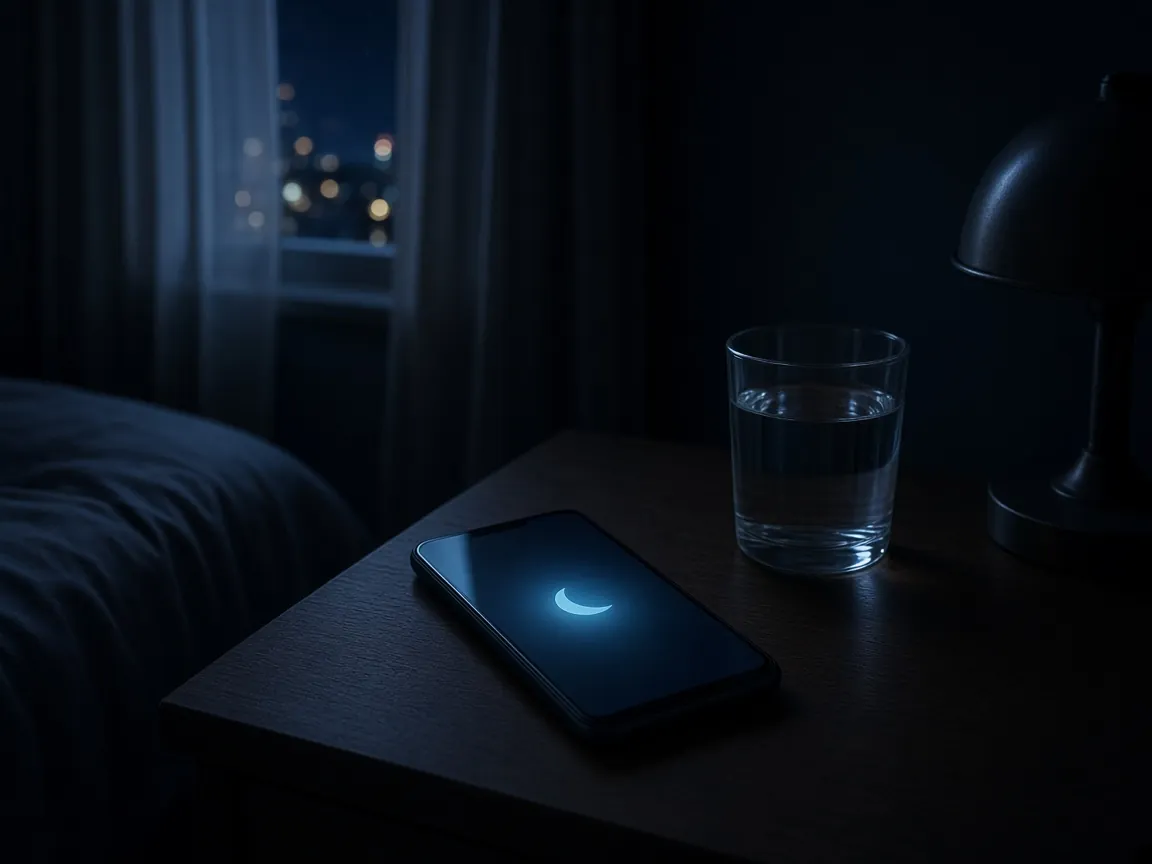
A phone resting quietly on a bedside table at night with a moon icon on the screen

Learns your notifications

Alerts that get better over time.

Total Buddy learns how you like your notifications. It notices what you snooze, what you dismiss and when, and recommends better settings: quiet hours, gentler phone alerts and fewer early warnings.

  • Notices what you snooze and dismiss
  • Recommends quiet hours
  • Suggests gentler phone alerts and fewer early warnings

Notes

Keep notes alongside your reminders, including pinned notes on the desktop widget.

Quiet hours

Quiet hours, “quiet for an hour”, mute all voice, and gentler or silent alerts on just the phone.

Automatic updates

Total Buddy updates itself automatically on both PC and Android.

One buddy for your Windows PC and Android.

Get Total Buddy for Windows and Android, and keep up to 10 devices in sync.

Get Total Buddy

Windows PC   Android